When companies invest in enterprise CRMs like HubSpot, GoHighLevel, Salesforce, or Zoho, leadership often gets excited by the endless workflow trigger menus. Within weeks, they configure dozens of nested automations: auto-emails, internal tasks, SMS alerts, Slack pings, and tag additions.
The result? Sales reps turn off notifications because of spam, contacts receive overlapping email drips, and deals slip through the cracks unnoticed. The key to CRM automation is not automating everything—it is automating the right few levers first.
1. The Premature Automation Trap
Bill Gates famously stated: "The first rule of any technology used in a business is that automation applied to an efficient operation will magnify the efficiency. The second is that automation applied to an inefficient operation will magnify the inefficiency."
If your sales reps don't consistently update deal stages manually, automating an email drip based on stage changes will result in customers receiving onboarding emails when they haven't even signed the contract. First standardize the stages, then automate the transitions.
2. The 2x2 CRM Automation Priority Matrix
We evaluate every potential CRM automation along two axes: Human Time Consumed vs. Direct Revenue Impact:
• Instant Inbound Speed-to-Lead (SMS + Email confirmation under 60 seconds).
• Meeting confirmation & multi-channel reminder sequences (cuts no-shows by 40%).
• Post-service customer review requests triggered on job completion.
3. The 3 Non-Negotiable Automations Every Pipeline Needs
Before building complex AI bots or predictive scoring, these three workflows provide 80% of the operational leverage:
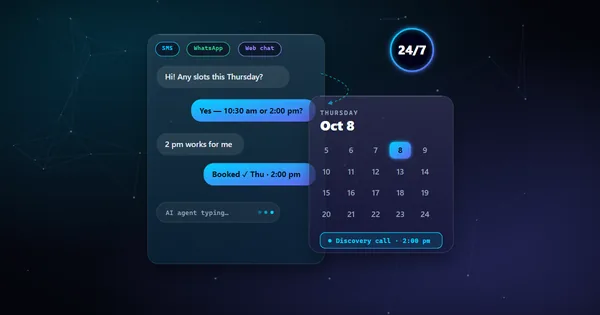
- Immediate Multi-Channel Acknowledgment: When a form is submitted, instantly dispatch a personalized SMS with the representative's direct contact card, plus a calendar booking link.
- No-Show & Cancellation Rescheduling Sequence: When an appointment is marked "No-Show" by a rep, immediately trigger a polite automated follow-up offering 3 new time slots. Over 30% of no-shows rebook when prompted within 15 minutes.
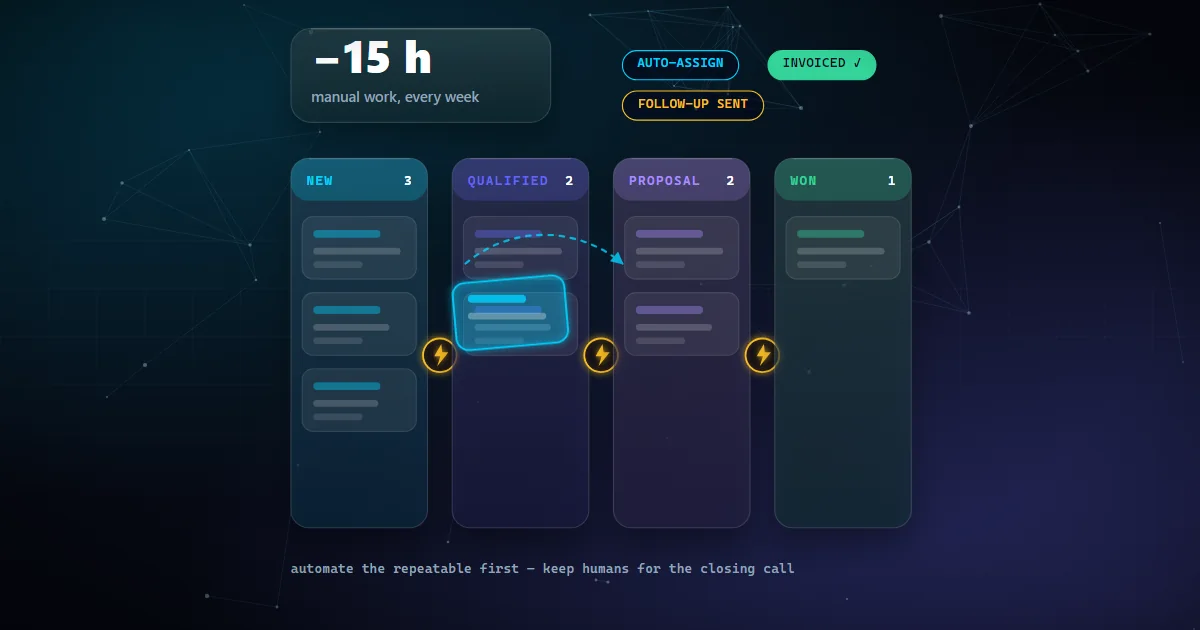
- Deal Won Billing & Onboarding Bridge: Move the opportunity to "Closed Won" → automatically generate the Stripe invoice or QuickBooks record → create the client portal account → invite the client to their private onboarding Slack or project board.
4. Automated Deal Health Monitoring & Stale Lead Revival
Sales reps are naturally optimistic and let dead deals linger in "Proposal Sent" for months. Implement automated deal hygiene triggers:
- The 7-Day Inactivity Ping: If an opportunity remains in "Proposal Sent" with no logged activities for 7 days, trigger a gentle nudge task to the assigned rep.
- The 30-Day Stale Deal Revival: If a lead goes cold for 30 days, reassign it to a nurture sequence with a low-friction value asset (such as a relevant case study or calculator) rather than a hard pitch.
5. 5-Point Quality Assurance Checklist Before Going Live
Never launch a CRM automation to your live database without verifying:
- Deduplication Guard: Does the workflow check if the contact is already actively enrolled in an existing drip sequence?
- Stop-on-Response Trigger: Will all automated follow-ups immediately stop the second the prospect replies?
- Business Hours Restriction: Are SMS messages constrained to 8:00 AM – 8:00 PM in the contact's local timezone?
- Unsubscribe & Opt-Out Compliance: Are STOP/UNSUBSCRIBE keywords natively respected with automatic DND (Do Not Disturb) flags?
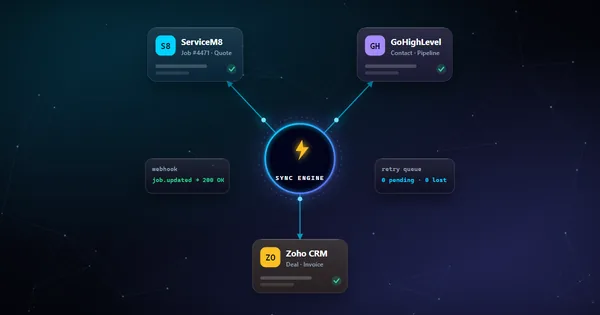
- Fallback Routing: If an automated webhook or API step fails, is an alert sent to the system administrator?